

Performing live corporate gigs in Toronto requires a blend of professional sound, quick setup, and extreme reliability. The Yamaha MODX6 is a powerhouse for this environment because it is lightweight enough for downtown load-ins while offering studio-grade sounds.
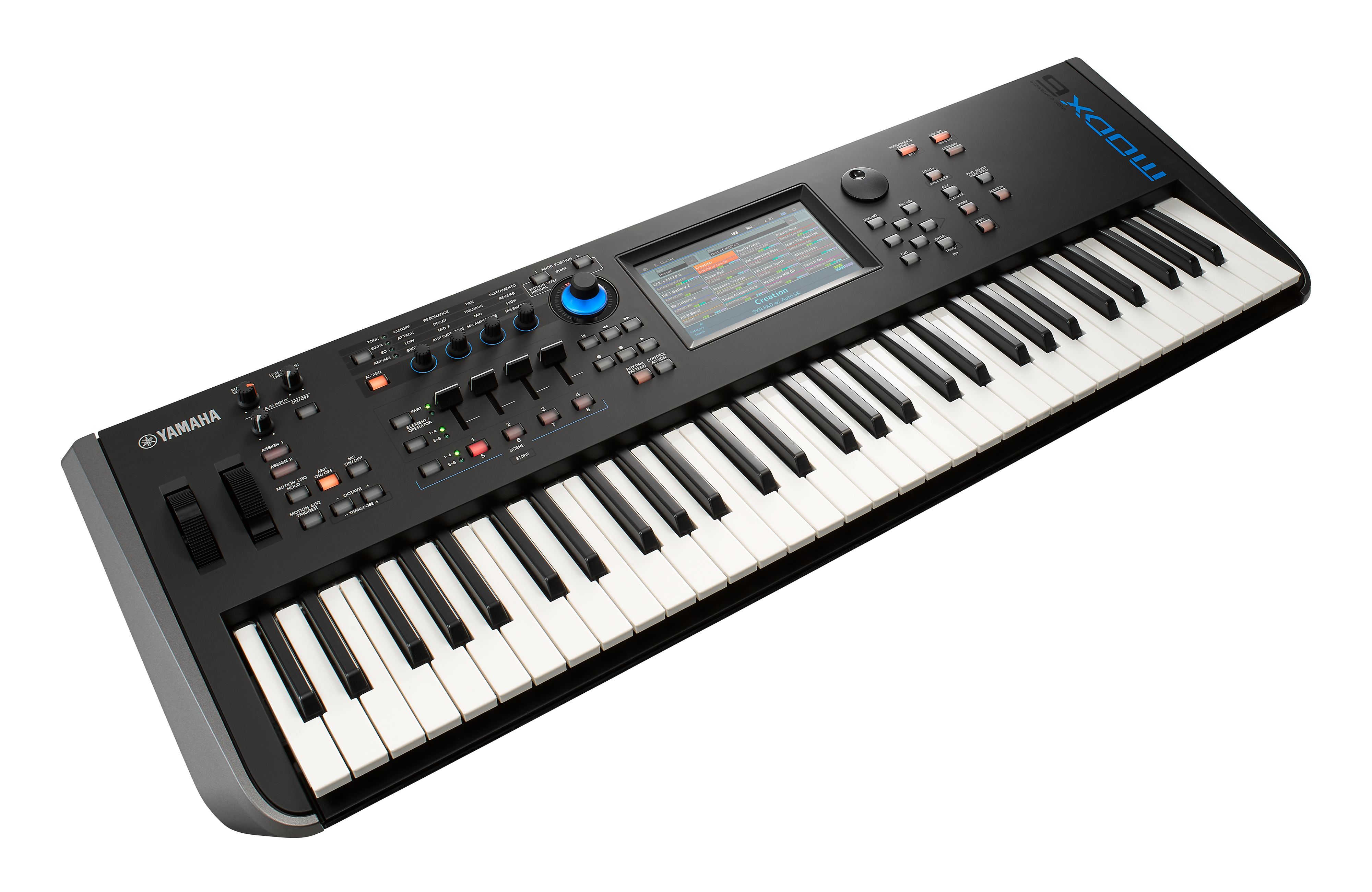
1. Master the "Live Set" for Corporate Flow
Corporate gigs often have shifting schedules. Do not waste time scrolling through menus during a presentation.
- Create Set Lists: Use Live Set Mode to organize up to 256 custom slots. Place your cocktail hour jazz, upbeat transition music, and high-energy dance hits in the exact order of the event's itinerary.
- Foot Switch Transitions: Connect a momentary foot switch (like the Yamaha FC5) and assign it to "Live Set+" in the Utility settings. This allows you to advance your presets hands-free while playing.
- Seamless Switching: The MODX allows you to change sounds without cutting off the previous notes or effects—essential for smooth transitions between speakers and entertainment.
2. Curate Your Sound Palette
Toronto corporate audiences expect polished, radio-ready tones.
- Essential Layers: Build "Performances" with 4–6 parts to create a rich sound. A standard "Corporate Layer" includes a high-quality piano (like the CFX Grand), an FM electric piano, and a subtle pad that you can swell in using the Super Knob.
- Classic Hits Library: For the dance floor, download libraries like "Best Hits" or "Worship Gallery" to access pre-made patches for songs by artists like Bruno Mars and Michael Jackson, which are staples of the Toronto event circuit.
- Bösendorfer 290: For elegant galas, use the Bösendorfer Imperial Grand library for a warmer, more sophisticated "Viennese" sound.
3. Professional Setup & Logistics
- The "Toronto Load-In": Downtown venues (like the Fairmont Royal York or Liberty Grand) often have difficult loading docks. Use a high-quality gig bag with backpack straps or a lightweight "DJ coffin" style case to navigate elevators and narrow halls easily.
- Backing Tracks: If you are performing solo, load your WAV backing tracks (44.1 kHz, 16-bit) onto a USB key. You can play these directly from the MODX and perform live parts over them.
- External Control: Use Zone Master mode if you need to control a second keyboard or a VST on your laptop (like MainStage or Ableton) directly from your MODX.